Introduction
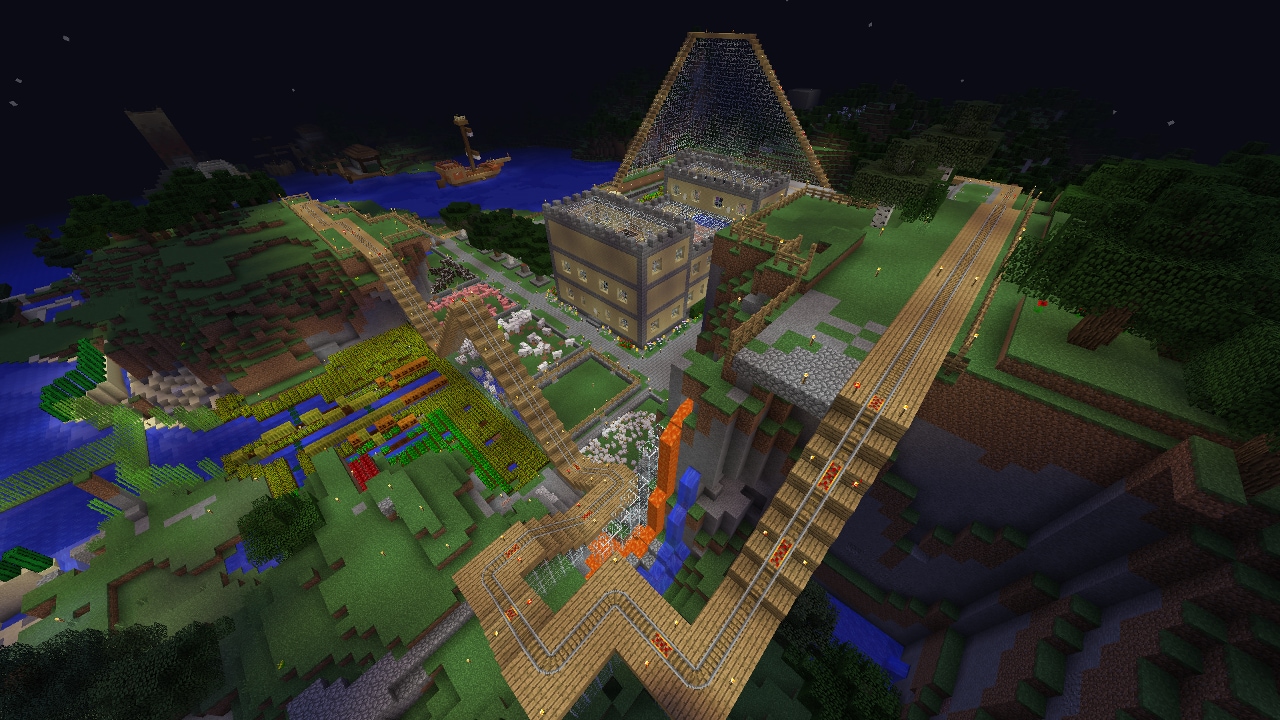
Mine-Craft.io is a free-to-play multiplayer browser game that delivers a comprehensive Minecraft-like building and crafting experience directly to your web browser. What makes it unique is its massive integration of mini-games and a player-driven economy, all accessible without downloads. Players love it because it combines classic survival mechanics with diverse game modes like SkyWars, BedWars, and SkyBlock, alongside unique modes like OneBlock and AmongUs. You can explore biomes like the Overworld and Nether, build complex mechanisms, and even establish your own in-game business. With daily rewards, community events, and the ability to create custom servers, Mine-Craft.io offers endless replayability and a vibrant multiplayer ecosystem right at your fingertips.
Getting Started
Starting in Mine-Craft.io is seamless since it runs entirely in your web browser. Simply visit the official website and jump into the Overworld, the public world featuring a safe zone at the center. Your first step is to gather basic resources by mining caves or chopping trees to craft essential tools. Familiarize yourself with the core controls for movement, block placement, and mining. You can choose between Survival PvE to fight hostile mobs, Survival PvP to battle other players, or Creative mode, which grants infinite resources and invisibility for unrestricted building. As you progress, eat food to maintain health and craft armor to protect yourself from nighttime mobs. Don't forget to claim your daily rewards and explore the various mini-games available in the lobby to earn your first medals and experience the diverse gameplay loops Mine-Craft.io has to offer. Once comfortable, start exploring the dangerous Nether biome for better loot and rare materials.
Basic Tips
1. Secure your base before nightfall: In Survival modes, hostile mobs spawn at night. Build a simple dirt or wood shelter immediately to protect yourself. 2. Explore the safe zone: The Overworld center is a safe zone. Use this area to trade safely with other players without worrying about PvP attacks. 3. Play mini-games for quick rewards: Jump into SkyBlock or OneBlock to learn resource management. Winning these games earns medals that you can sell in the Shop for extra currency. 4. Start a basic mob farm: Farming mobs is a reliable way to get early loot. Sell this loot in player stores to fund your initial gear upgrades. 5. Stick to Creative mode for practice: If you are new to building mechanisms or houses, use Creative mode. You get infinite resources and can place any block without the pressure of dying, allowing you to experiment freely with commands and mob spawning.
Advanced Strategies
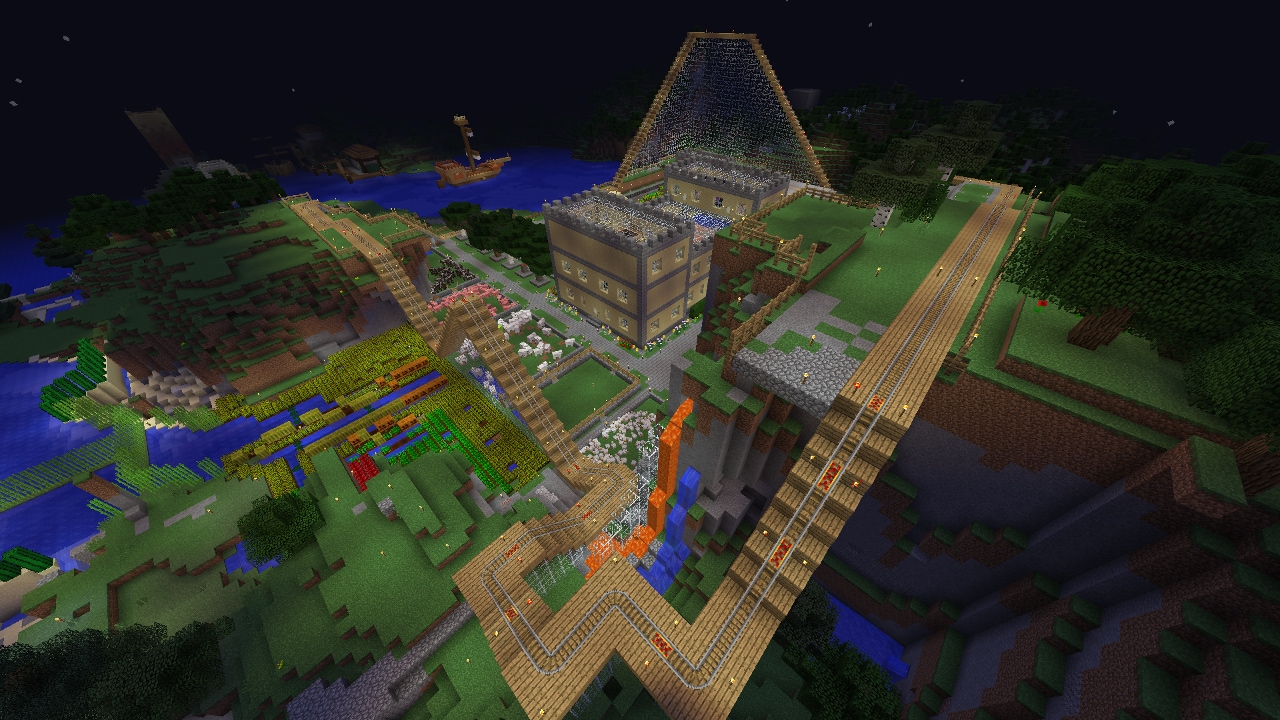
1. Hunt for high-level enchantments: Focus your mining and mob farming efforts on finding rare items, specifically OP swords and armor with enchantments above level 30. These sell for massive profits in player stores. 2. Establish a specialized store: Instead of just selling raw loot, create your own business. Stock your store with high-value items like Charms, Totems, and high-level enchantment books to attract wealthy buyers. 3. Master BedWars and SkyWars: These mini-games require intense PvP skills. In BedWars, prioritize protecting your bed while coordinating with your team to destroy the opponent's bed, using the islands for tactical cover. 4. Create custom servers: Use the server creation tools to build private worlds. This allows you to store massive amounts of resources, build elaborate houses, and invite friends to play in a controlled environment without public server interference, giving you complete control over the world's rules and resource distribution.
Pro Tips
1. Dominate the player economy: Monitor the market for rare OP gear. Buy undervalued level 30+ enchanted items from casual players and resell them at a premium in your own high-traffic store. 2. Exploit Hide & Seek mechanics: When playing Hide & Seek, don't just blend in with identical blocks. Use environmental noise and map geometry to break the seeker's line of sight, making you virtually invisible. 3. Optimize OneBlock mining: In OneBlock, mine the central block rhythmically and clear the drops immediately to prevent lag and ensure you never miss a rare random block spawn. 4. Leverage community events: Participate actively in official giveaways and community events, as they often distribute exclusive items that hold high resale value later.
🎮 Controls & Mechanics Deep Dive
Look, if you want to survive and actually win in Mine-Craft.io, you need to understand that the physics aren't a strict 1:1 copy of the original game. The developers tweaked the movement to feel a bit more responsive and slightly "floatier" to compensate for browser-based input lag. Your turning radius is snappy, but acceleration takes a fraction of a second to kick in. This means strafing is your best friend when dodging arrows or melee swings.
When it comes to hitboxes, they're actually slightly larger than vanilla. This is a massive quality-of-life buff for PvP, making it way easier to land those crucial critical hits when you're falling. Block breaking also has a streamlined mechanic; you don't need to hold the mouse button down to mine. Just tap left-click repeatedly, and the game registers the hits, which saves your mouse switch from dying in the first week. Sneaking (Shift) prevents you from falling off edges, but it cuts your movement speed in half, so only use it when you're actually bridging or defending a tight space.
🗺️ Game Modes Breakdown
Mine-Craft.io isn't just a single sandbox; it's a massive hub of different competitive and casual modes. Here’s the rundown of what you'll be jumping into:
- SkyWars (Teams & Solo): The classic island rush. You spawn on a floating island with basic loot, and your goal is to gear up from mid and eliminate everyone else. In teams (usually 4v4v4v4), communication is key. You need to balance rushing the enemy beds with defending your own.
- BedWars: Similar to SkyWars but with a heavy emphasis on resource generation and bed defense. You can't respawn once your bed is broken. The strategic depth here is insane—you have to manage iron, gold, and diamond economies while buying armor, weapons, and utility blocks.
- Battle Royale (Survival Games): A free-for-all mode with 24 players. You get 30 seconds to loot the center chests before the cages open. It’s pure chaos, RNG-heavy, and requires quick decision-making. Last player standing wins.
- Ranked Mode: For the sweaty tryhards. This is a draft-pick style competitive mode where you queue with a pre-made team. You play on specific, balanced maps with no RNG in chest loot. It’s all about pure skill, map control, and executing coordinated strategies to climb the leaderboard.
- SkyBlock & OneBlock: Your long-term survival and economy modes. SkyBlock starts you on a tiny island with a tree and cobblestone generator. OneBlock is a unique twist where you mine a single block that regenerates with new resources every time you break it. These modes are all about optimizing your setup and trading in the player-driven economy.
- Practice Arena: No stakes, just pure PvP. This is where you go to test out your strafe-jumping, W-tapping, and block clutching without the stress of losing your gear.
🚀 Advanced Strategies & Pro Tips
Once you’ve got the basics down, it’s time to separate yourself from the casuals. The PvP in Mine-Craft.io has a surprisingly high skill ceiling, and mastering a few key mechanics will make you an absolute nightmare to deal with.
Master Sprint-Resetting and W-Tapping: In this game's combat engine, your first hit after sprinting deals extra knockback. By letting go of the 'W' key for a split second after every hit (W-tapping) or briefly tapping 'S' (S-tapping), you reset your sprint. This allows you to combo enemies off the edge of islands in SkyWars or keep them locked in place during a duel.
Block Clutching and Pillaring: Falling to your death is a rookie mistake. If you get knocked off an island, look straight down and start right-clicking to place blocks. It takes practice to get the timing right, but clutching a water bucket or a stack of dirt at the last second will save your life. Conversely, when attacking, don't just bridge over—pillar up to get the high ground, rain arrows down, and then dive in for the melee kill.
Economy and Resource Management: In BedWars and SkyBlock, hoarding resources is a trap. Don't sit on a chest full of iron. Constantly upgrade your team's forge, buy permanent upgrades like Sharpness or Protection, and invest in utility like fireballs or TNT. In the player-driven economy, buy low on raw materials and sell high on crafted goods. If everyone is mining iron, the price of iron drops. Wait for the dip, buy it, craft it into armor, and sell the armor when the late-game rush starts.
Psychological Plays: PvP isn't just about aim; it's about mind games. If you're losing a fight, fake a retreat. Run around a corner, quickly place a TNT trap or lay down some obsidian, and peek back out. Most players will blindly chase you and blow themselves up. Also, use your voice or the quick-chat to tilt your opponents. A little bit of friendly banter can make them play aggressively and make fatal mistakes.
❓ Frequently Asked Questions
Is Mine-Craft.io completely free, and are there pay-to-win mechanics?
Yes, the game is 100% free to play directly in your browser. More importantly, the developers have kept it strictly cosmetic. You can buy custom skins, particle effects, and kill animations with premium currency, but none of these give you a competitive advantage in PvP or resource gathering. No pay-to-win here.
How do I play with my friends in private matches?
It’s super easy. Just create a party from the main menu and invite your friends using their usernames, or generate a private lobby code. Share that code with your squad, and you can queue into SkyWars, BedWars, or Battle Royale together. You can also set up private custom games in the Practice Arena to scrim against other teams.
What are the minimum system requirements to run it smoothly?
Since it’s a browser game, you don’t need a beefy gaming rig, but you do need a decent CPU and enough RAM to handle the JavaScript and WebGL rendering. We recommend at least 8GB of RAM, a modern multi-core processor, and making sure "Hardware Acceleration" is turned on in your browser settings. Chrome or Edge usually gives the best frame rates.
Can I play Mine-Craft.io on my phone or tablet?
Technically, yes, the game is mobile-compatible and will load in your mobile browser. However, the touch controls for building and PvP are incredibly clunky. If you just want to chill in SkyBlock and manage your economy, it’s fine. But if you want to compete in SkyWars or BedWars, you’ll get absolutely destroyed by PC players. Stick to a mouse and keyboard for the competitive modes.
How do I get better at the PvP combat?
Stop playing competitive modes and go straight to the Practice Arena. Spend 15 minutes there every day just working on your crosshair placement, sprint-resetting, and block clutching. Watch your replays if the game offers them, or record your screen. You’ll quickly realize you’re probably over-swinging or failing to strafe properly. Muscle memory is everything.
Conclusion
Mine-Craft.io brilliantly captures the classic block-building and survival experience while adding deep mini-games and a thriving player economy. Whether you want to survive the dangerous Nether, dominate BedWars, or build a lucrative in-game business, there is truly something for everyone. Grab your pickaxe, jump into the browser, and start crafting your legacy today!